Short Answer: What are text customization asset previews in Google Ads?
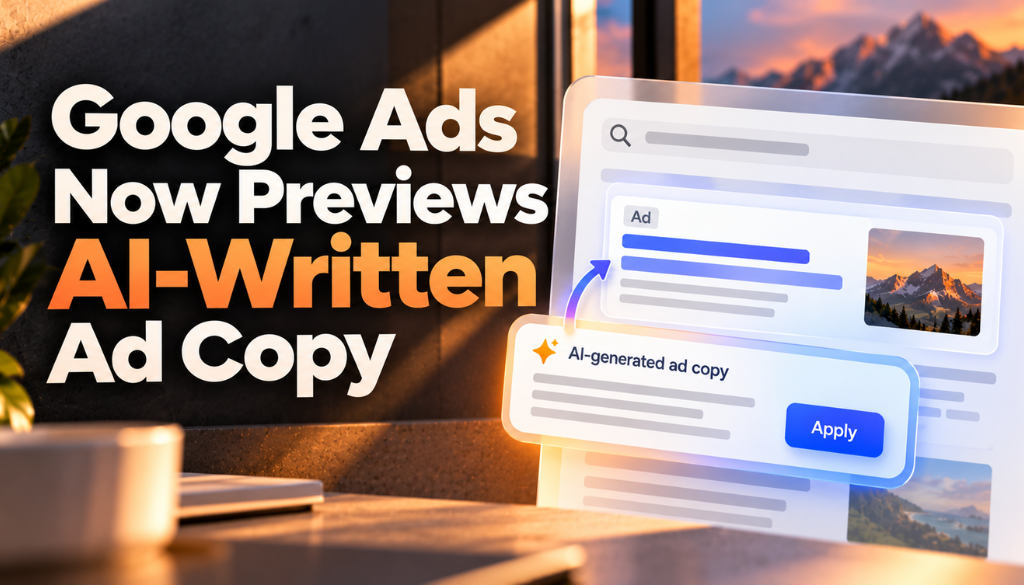
Text customization asset previews let advertisers see sample headlines and descriptions that Google AI generates for their campaign before they opt in to text customization or launch a new AI Max campaign. Google added the feature to its help documentation, and Search Engine Roundtable reported it on October 9, 2026. Google AI generates a representative sample of up to 10 assets from a landing page URL, and the sample respects any text guidelines the advertiser sets.
Quick Summary
- Google’s help page says advertisers can use asset previews to check whether generated text conforms to their brand and text guidelines before opting in to text customization or launching a new campaign.
- Given a final landing page URL, Google AI automatically generates a representative sample of up to 10 example headlines and descriptions. Opting in to text customization is not required to see them.
- Examples are mostly generated in under 30 seconds and are available in all languages supported by text customization, including English, Spanish, Portuguese, Italian, French, German, Japanese, and Dutch.
- If an advertiser has set text guidelines, such as words to exclude or themes to avoid, the preview panel filters the generated assets to meet them.
- Previews are available when creating an AI Max campaign, in the “Asset optimization” section, and when editing existing campaigns.
Google Ads added a “Text customization asset previews” section to its About text customization in Search campaigns help page, and Search Engine Roundtable reported the feature on October 9, 2026. PPC News Feed’s Hana Kobzová, quoted by Search Engine Roundtable, described it as addressing uncertainty about what the AI will generate. Text customization is part of AI Max, which Google has been rolling out to Search campaigns since September.
What Are Text Customization Asset Previews?
Asset previews are sample headlines and descriptions that Google AI generates for your campaign so you can judge them before they can serve. Google says the feature lets advertisers see whether the generated text conforms to their defined brand and text guidelines before they opt in to text customization or launch a new campaign.
The previews are a representative sample, not the full set of assets Google’s AI might generate once text customization is on.
How Do You View Asset Previews?
According to Google’s help page, you can check asset previews during campaign creation, in the “Asset optimization” section for AI Max campaigns, and also when editing existing campaigns. The steps are:
- Provide a final landing page URL. When you do, Google AI automatically generates a representative sample of up to 10 example headlines and descriptions.
- If no URL is prefilled, the field is blank. Add a URL and select “Preview examples” to load the sample.
- Review the examples against your brand rules. You do not need to opt in to text customization to see them.
What Do the Previews Include, and What Are the Limits?
| Detail | What Google says |
|---|---|
| Number of examples | A representative sample of up to 10 example headlines and descriptions |
| Opt-in required? | No. You do not need to opt in to text customization to view the examples |
| Speed | Examples are mostly generated in under 30 seconds |
| Languages | All languages supported by text customization, including English, Spanish, Portuguese, Italian, French, German, Japanese, and Dutch |
| Categories | Almost all standard business categories except adult content |
| Text guidelines | If you define guidelines, such as terms to exclude or themes to avoid, the preview panel filters the assets to meet them |
| If guidelines are too strict | If your guidelines block all potential assets, you are prompted to adjust or remove rules to see previews |
Google describes text guidelines as a feature it is testing, which lets advertisers exclude specific terms, define a tone of voice, and avoid specific concepts in their ads.
How Does Text Customization Work?
Text customization, formerly called automatically created assets, is a campaign-level setting available through AI Max for Search campaigns. When it is on, Google generates additional headlines and descriptions to use in combination with the assets you provide for responsive search ads.
Google says the new assets are based on your ad’s context, including your domain, landing page, existing ads, and ad group keywords, using a mix of light-touch extractive techniques, such as snippets from landing page titles, descriptions, and meta tags, and generative AI grounded in your landing page content. Assets are reviewed and refreshed at least every 48 hours, so a landing page change is reflected within 48 hours, and Google says customized text assets serve only when they are predicted to perform better than the headlines and descriptions you uploaded.
There is a related change to know about. Google’s help page notes that, starting in September 2026, campaigns using text customization are automatically upgraded to AI Max, as we covered in our report on the AI Max migration. Advertisers can monitor results through the “Added by” column in Google Ads reporting.
What Should Advertisers Check in the Previews?
Google’s own best practices point to the landing page. The help page says Google AI relies heavily on your site content as source material, so landing page titles, descriptions, and meta tags should be accurate and up to date and should include your unique selling points. A preview is a quick way to see whether that content is being turned into copy you would approve. Our guide to writing product descriptions that AI search engines understand covers the same idea from the organic side.
- Check accuracy and tone: Compare the sample headlines and descriptions with your brand voice and claims, and add text guidelines for anything that should be excluded.
- Keep your own assets: Google recommends keeping your advertiser-written headlines and descriptions, since they serve in combination with the customized assets.
- Remember it is a sample: Up to 10 examples will not show every asset the AI may generate, so keep monitoring ad content in the asset report after launch.
Frequently Asked Questions
What are Google Ads text customization asset previews?
They are sample headlines and descriptions generated by Google AI for your campaign, shown before you opt in to text customization or launch a new campaign, so you can check them against your brand and text guidelines.
Do I have to opt in to text customization to see the previews?
No. Google says you do not need to opt in to text customization to view the example assets.
How many example assets does Google show?
Google AI generates a representative sample of up to 10 example headlines and descriptions from your final landing page URL.
Can I stop the AI from using certain words in the previews?
Yes. If you define text guidelines, such as terms to exclude or themes to avoid, the preview panel filters the generated assets to meet them. If your guidelines are so strict that no assets can be generated, Google prompts you to adjust or remove rules.
Which languages do the previews support?
They are available in all languages supported by text customization, including English, Spanish, Portuguese, Italian, French, German, Japanese, and Dutch. Examples are mostly generated in under 30 seconds.
Sources: Google Ads Help: About text customization in Search campaigns, Search Engine Roundtable.
About the author
Kai Williams
Kai Williams has been in marketing for years, with a long background in SEO before AEO had a name. He stepped into Answer Engine Optimization the moment AI started reshaping how people search, and has been tracking the shift ever since. At Prompt Insider, he covers AEO, AI marketing, and the future of search, breaking down what is changing and what brands need to do about it.